
How to Fix a WiFi Adapter That Is Not Working
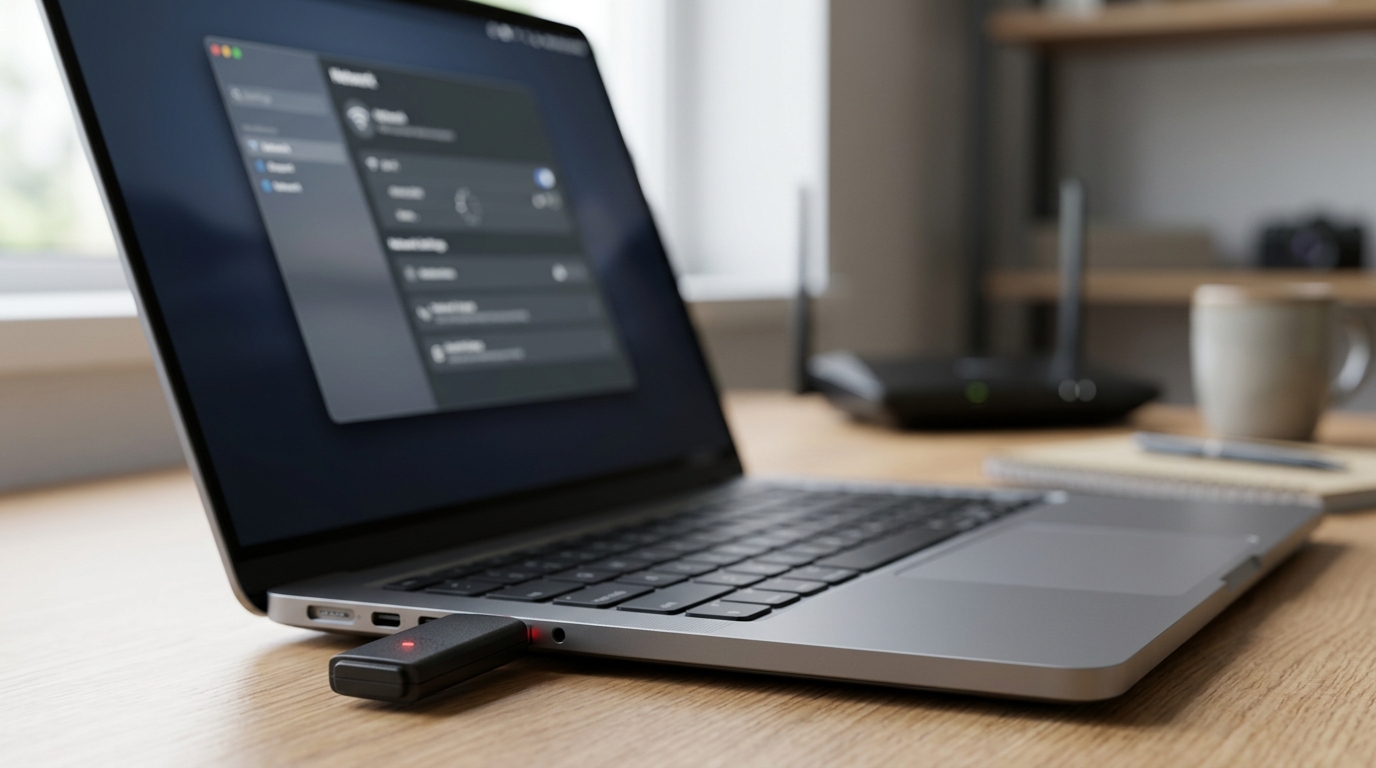
If you want to fix WiFi adapter not working, do not begin with advanced settings. Start by checking whether WiFi is enabled, airplane mode is off, and the router is working. Many adapter issues are caused by simple settings that are easy to miss.
If you are using a USB WiFi adapter, unplug it and reconnect it. Try a different port. For laptops, check the keyboard shortcut or wireless switch. For desktop PCs, avoid weak USB hubs and connect the adapter directly.
Restart the Computer and Router
Restart your computer first. Then restart the router. If you use a modem and router separately, restart the modem first, then the router. Wait until the lights are stable before testing.
This helps refresh both sides of the connection. A stuck router can make the adapter look faulty, while a stuck adapter service can stop the computer from connecting to a working router.
Check Device Manager
Open Device Manager and expand Network adapters. Look for the wireless adapter. If it appears normally, the hardware is likely detected. If it has a warning icon, there is probably a driver issue. If it is missing, use “Scan for hardware changes” and “Show hidden devices.”
Right-click the adapter and try disabling and enabling it. This refreshes the adapter without changing major system settings.
Repair the Driver
Driver repair is one of the most important steps. Start with updating the driver. If that does not help, uninstall the adapter and restart the computer. Windows may reinstall it automatically. If it does not, download the correct driver from the official manufacturer website.
If the issue started after a recent update, try rolling back the driver. Sometimes a new driver may not match your hardware properly.
Forget and Reconnect to the Network
If the adapter is visible but cannot connect, forget the saved WiFi network. Then reconnect with the correct password. This removes old saved security details and creates a fresh connection.
This step is useful after a router reset, password change, or security setting update. A saved profile conflict can block connection even when the adapter is working.
Reset Network Settings
When standard steps fail, use network reset. This reinstalls network components and removes old profiles. After the restart, reconnect your device to WiFi and test browsing, downloads, and video streaming.
Network reset is helpful when multiple settings have become messy or when VPN software has changed network behavior.
Check Hardware Only After Software Fixes
If the adapter is still not working, test it on another computer if possible. If it fails everywhere, the adapter may be damaged. If it works on another device, your main computer likely has a system or driver issue.
For internal laptop adapters, professional inspection may be needed if the adapter disappears completely and never returns.
Final Verdict
Fixing a WiFi adapter should follow a clear order: check settings, restart devices, inspect Device Manager, repair the driver, reconnect to WiFi, and reset the network. Only consider replacement after confirming that the adapter is not detected or fails on multiple systems.
We are excited to announce the **launch of the Sharkbow Marketplace!** 🎉 Now you can:
- 🛍️ List and sell your products – Open your own store easily.
- 📦 Manage orders effortlessly – Track sales and communicate with buyers.
- 🚀 Reach thousands of buyers – Expand your business with ease.
Start selling today and grow your online business on Sharkbow! 🛒
Open Your Store 🚀 ✖
🚀 What Can You Do on Sharkbow?
Sharkbow.com gives you endless possibilities! Explore these powerful features and start creating today:
- 📝 Create Posts – Share your thoughts with the world.
- 🎬 Create Reels – Short videos that capture big moments.
- 📺 Create Watch Videos – Upload long-form content for your audience.
- 📝 Write Blogs – Share stories, insights, and experiences.
- 🛍️ Sell Products – Launch and manage your online store.
- 📣 Create Pages – Build your brand, business, or project.
- 🎉 Create Events – Plan and promote your upcoming events.
- 👥 Create Groups – Connect and build communities.
- ⏳ Create Stories – Share 24-hour disappearing updates.
Join Sharkbow today and make the most out of these features! 🚀
Start Creating Now 🚀
 English
 Arabic
 French
 Spanish
 Portuguese
 Turkish
 Dutch
Dutch
 Italiano
 Russian
 Romaian
 Portuguese (Brazil)
 Greek
Greek